How do I join a virtual classroom?
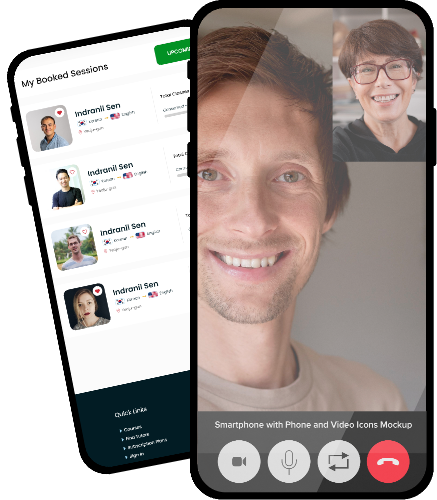
At the scheduled time, click Join Session from your dashboard. The class session opens in another window or a new tab on your browser.
What tools are available during the session?
You can use video, chat, screen sharing, and file uploads.
Can I contact my tutor/student before the session?
Yes, messaging is available once a session is booked.
What should I do if I experience technical issues during a class?
Refresh your browser or switch devices. If issues persist, contact support.



CEO : Kim Hyun Jung
Phone : +82 10-3076-6005
Business Registration NO : 224-90-79711
Address : #01, 3F, Bldg 201, 427 Seowon-daero, Wonju-si, Gangwon-do, Republic of Korea
Email : help@hanatutor.com

 USD
USD KRW
KRW Korean
 English